Book a demo

Same team. Different intent.
You are writing a message...
A person or a group you belong to
A group that you do not belong to.
One or more people or a group
Who is playing the role?
Whoever is involved in the conversation
A member acknowledges the task and takes responsibility for it.
Every assignee must process their task.
Typical use
Quick questions and ongoing discussion
"Someone from this team, please take care of this."
"All listed persons must do this."
Completed when...
The conversation has ended or the thread has been archived.
A person confirms, completes and archives.
Each assignee marks their task as completed.
Chat – when you are part of the conversation
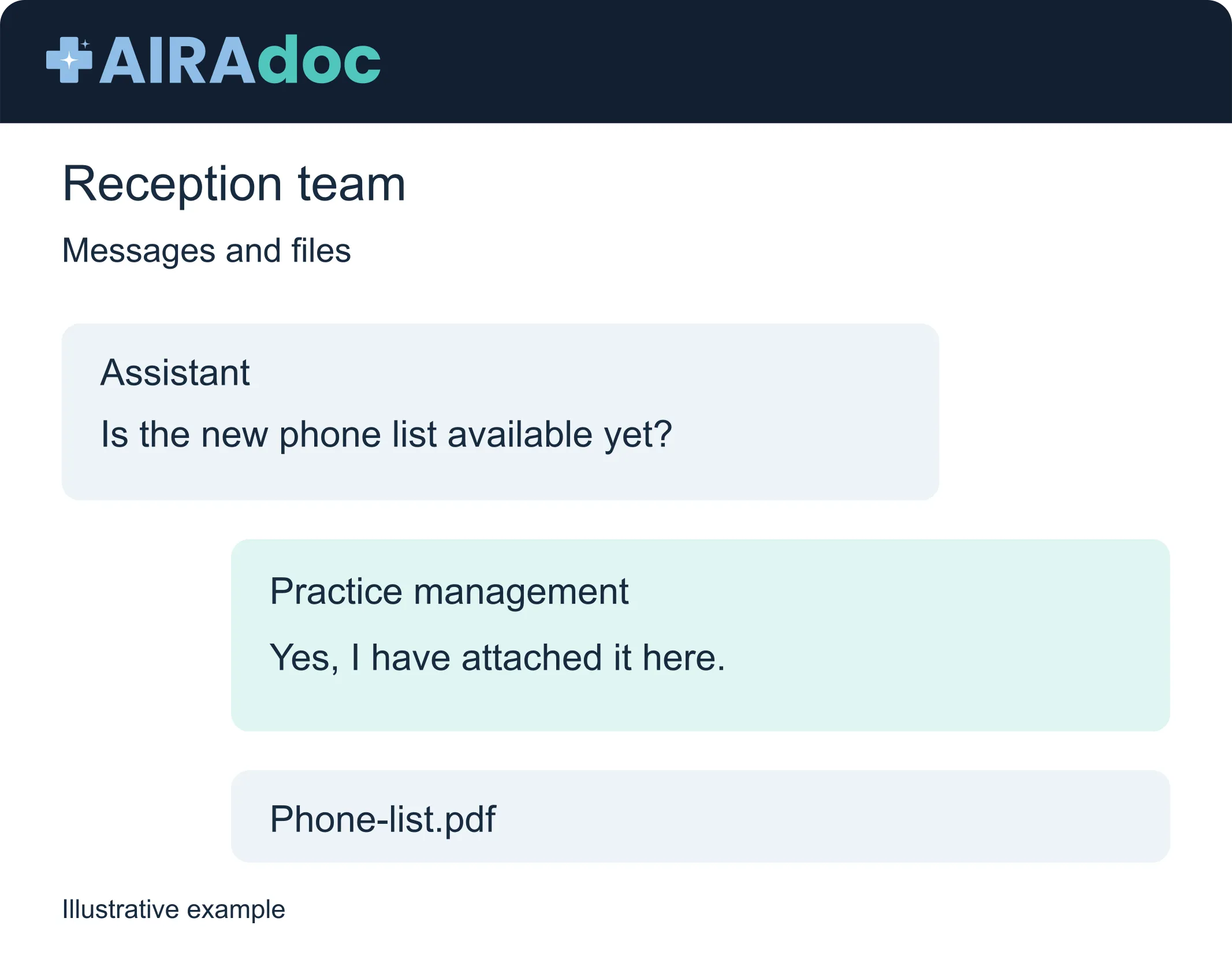
One-on-one chat for quick and direct coordination between colleagues.
Group chat for ongoing exchange between group members.
Comprehensive messaging features with formatting, emojis, reactions, images and files, threads, pins, read receipts and typing indicators.
Encrypted and secure as a clinical alternative to consumer messenger services like WhatsApp.
Efficiency: Avoid relying on private mobile phones or emails for internal coordination.


Blast – give it to a team. One person takes it.
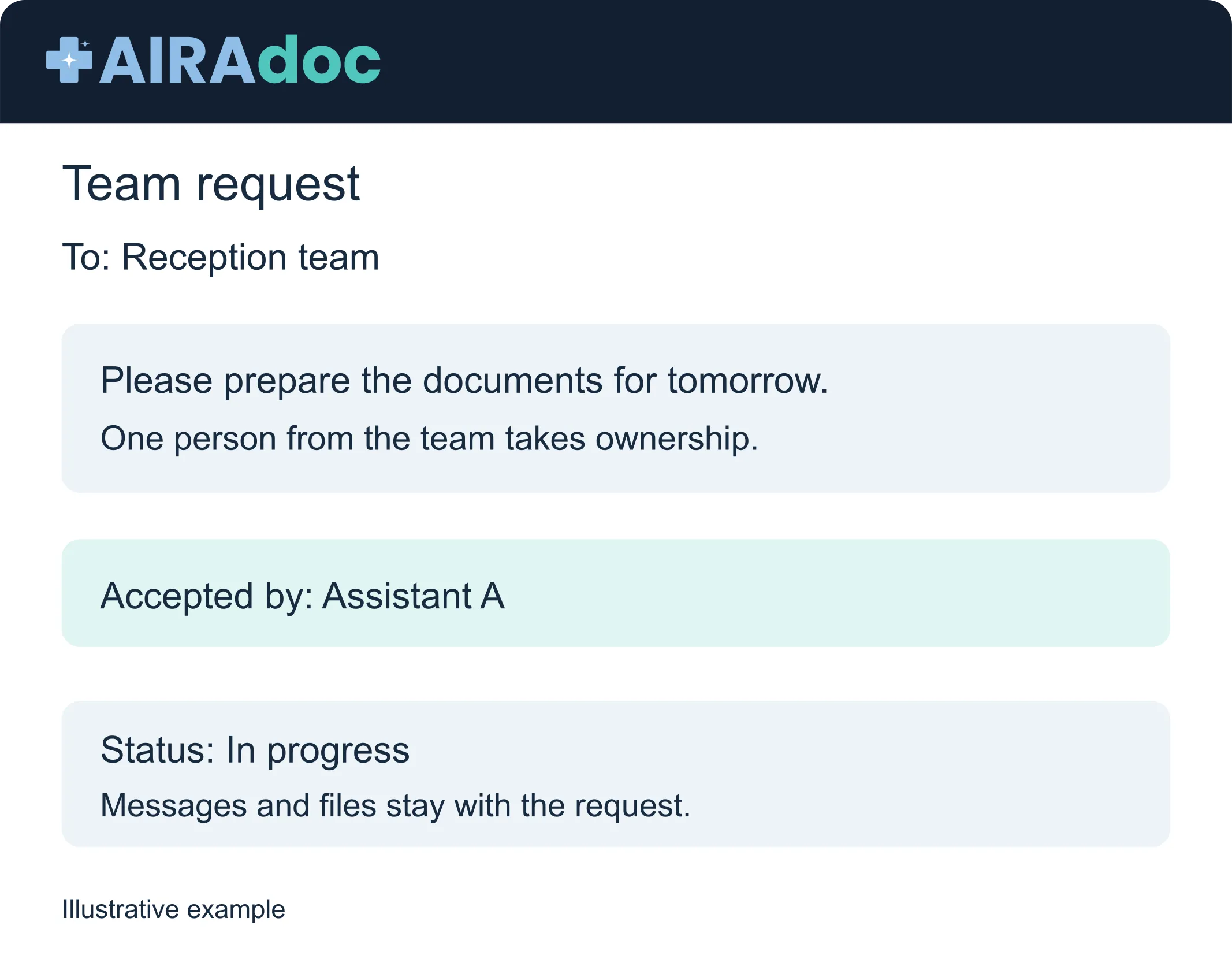
Send a message – often a short task – to a group you do not belong to. You do not have to decide who will take on the task. It only takes one person from that team to agree to take on the task.
With a single confirmation, a group member becomes an owner.
Clear completion from New through Confirmed to Archived.
Discussions and files remain within the messaging itself, instead of being scattered across different emails.
Efficiency: “Can someone at reception handle this?”, without tasking five people with it or losing the matter in a group chat.
Tasks – when every assignee must complete their task
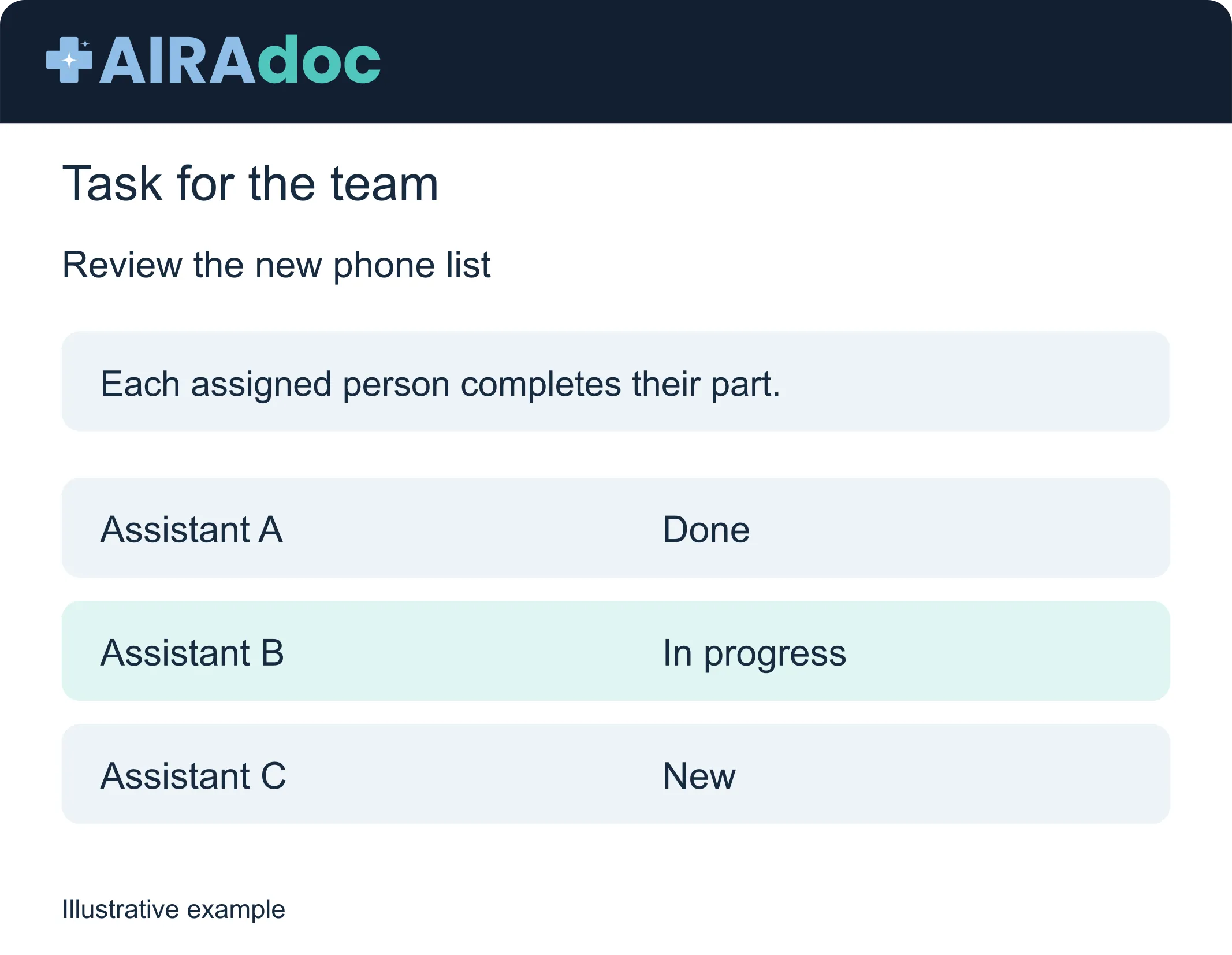
Individual responsibility for each appointee, even if the task originates from a group.
Lifecycle tracking for the New, In Progress, Completed, Blocked, or Cancelled statuses.
Inbound and Outbound ensure the correct assignment of senders and recipients.
Attachments, edits, and archiving controls keep the task context in one place.
Efficiency: Policy approvals, patient record reviews, preparation checklists – work that truly requires anyone, not just the first available person.


Supported by groups
Teams are defined once in groups: reception, clinic, billing, and all other operational groups. Groups form the basis for targeted message delivery and task distribution, ensuring that routing remains consistent across your entire organization.
Define teams once and reuse them wherever workflows need to be routed.
Control who receives notifications with clear settings at the group level.
Keep assignments consistent when people join, transfer, or leave teams.
Less noise. Clearer handovers. Real accountability.
Less noise
In the chat, the focus remains on the conversation, not on tasks like 'Someone please take care of this'.
Please remain on the platform
Messages, bulk emails, and tasks are an integral part of your clinical workflow.
Subsequent stays are attached
Files and discussions remain within the respective project or task and are not scattered across emails.
Speak. Delegate. Assign. All in one place.
Chat for conversation. Notification when a person from another team should take over the task. Tasks where all assigned people must complete them.
Book a demo